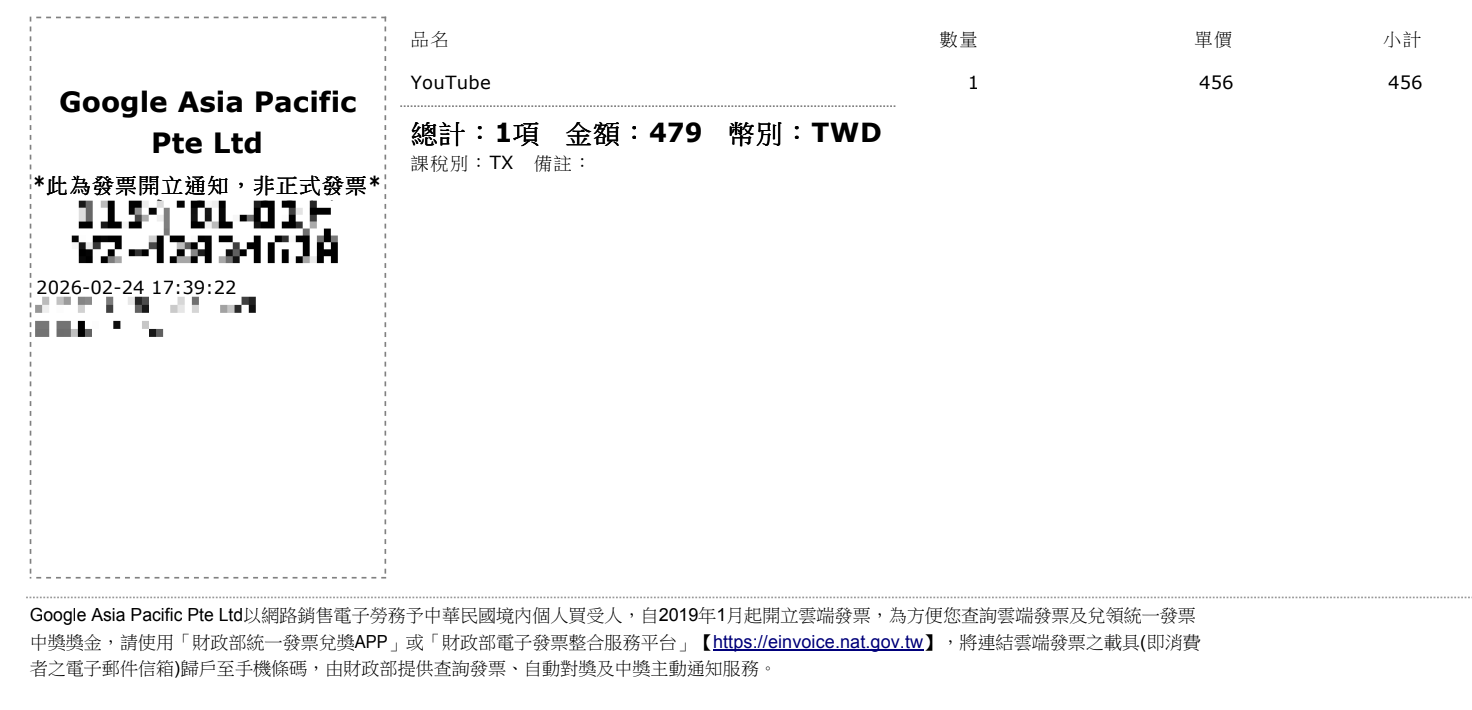
之前一直订阅 Youtube Premium,台币支付 479,折合人民币大概 100 出头。因为家庭用户共享,用了大概 3 年,毕竟多人使用,感觉也不是太亏,但是 3 月份开始,陆续收到家庭用户不在同一地区的禁用通知。感觉一个人一个月花 100,就不值当了,于是停掉了 youtube 的订阅。

停完订阅,就开始无止尽的广告,虽然 PC 去广告的方式很多,但是我最常用的,还是手机 APP 和 TV 端,尝试了 MitM 方案,发现已经失效了,勉强用着有广告的 Youtube,用了一周,实在用不下去了。Youtube 广告多到完全影响视频的观看,原来每天至少能看 1-2 小时,现在有广告后,APP 都不想打开了。于是,认真研究了一下去广告方案。

研究一下去广告

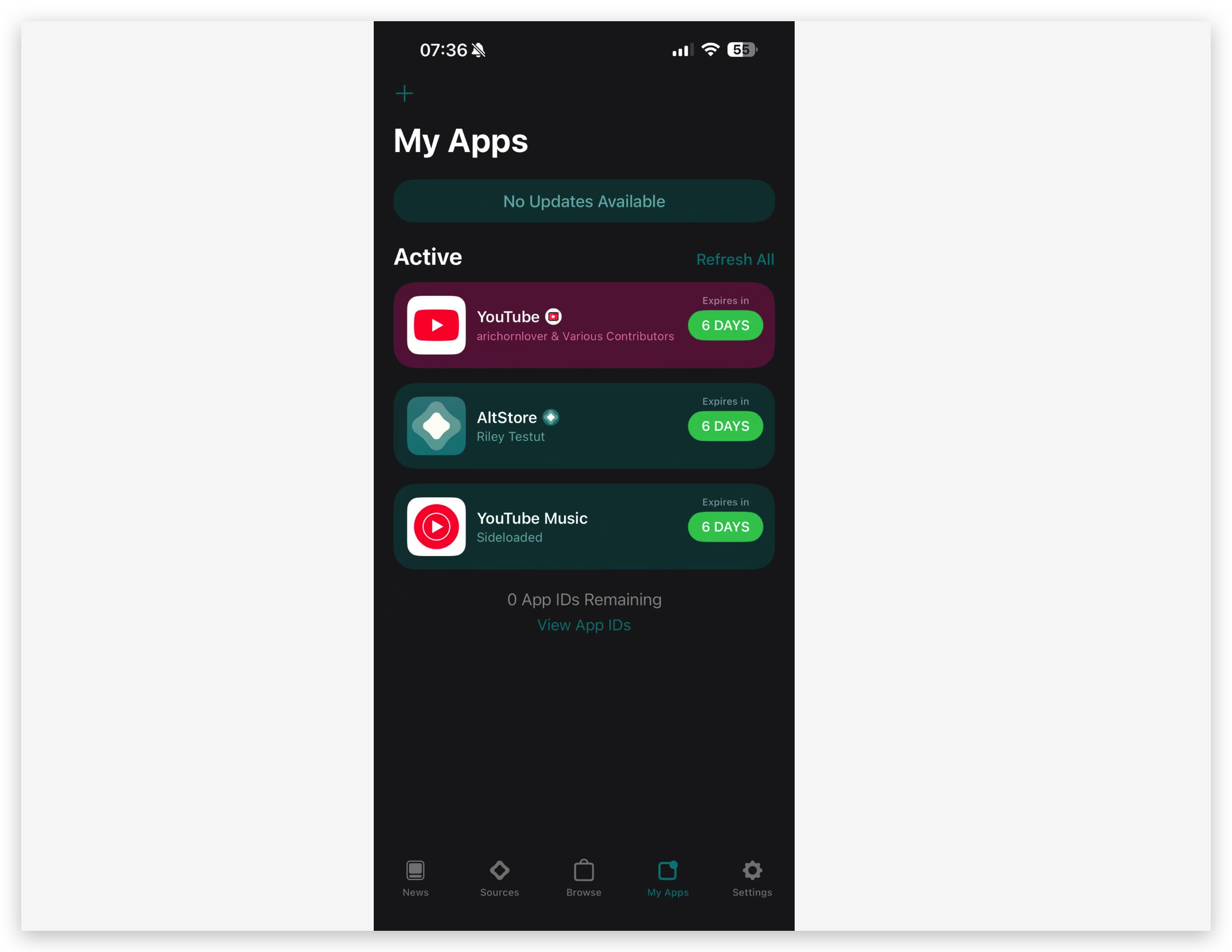
Google 上搜了一下,Youtube 去广告,很快会得到 uYouEnhanced 这个项目,按照项目说明文档,很快就可以使用 AltStore 安装成功。


但是 Youtube 无法登录,搜了一下,会得到这个帖子 uYou reporting “you can’t sign into this app because google can’t confirm it’s safe” 参考帖子神奇的说明,登录成功。

1
2
3
4
5
6
7
8
9
10
11
12
13
14
15
16
17
18
19
20
21
22
23
24
25
26
27
28
29
Step by Step:

1.Force close the YouTube app.

2.Turn OFF your Wi Fi and Cellular Data (or turn on Airplane Mode).

3.Open the uYouEnhanced app.

4.Tap the uYou tab located at the bottom bar.

5.Tap the Settings gear icon specifically within this uYou tab.

6.Scroll down to YOUTUBE SETTINGS and change the Default Startup Page to You/Library.

7.Go to the You/Library tab or the Home tab to find the general YouTube settings gear icon.

8.In these general settings, tap on uYouEnhanced.

9.Use the search bar at the top, type "patch" and toggle ON the YouTube Sign In Patch.

10.Force close the app completely.

11.Turn your Wi Fi and Cellular Data back ON.

12.SPEEDRUN: Open the app. It will now launch directly into the You tab. Quickly tap the Sign In button, enter your email, and paste your password. You must do this as fast as possible before the app crashes. It might take a few tries, but keep trying until you get through.

13.Once you successfully log in, reopen the app, quickly navigate back to Settings > uYouEnhanced > search for "patch", and toggle OFF the YouTube Sign In Patch.

Your app will stop crashing and your account will be fully logged in!
解决了 Youtube,接下来就是 Youtube Music 了,搜到这个项目 YTMusicUltimate,但是没找到 IPA 下载的链接,直接找别人 fork 生成好的 IPA 吧?发现 Github 居然不能查看 fork 列表。于是又找到这个项目 # Active GitHub Forks,翻一翻更新时间靠前的 repo,就有 IPA 下载了。

Youtube、Music、ATV 去广告版本

Youtube Music 的 IPA: d0nh3art/YTMusicUltimate

Youtube 的 IPA: Dreaded-Rain/uYouEnhanced

Apple TV 的 Youtube 的 IPA:mutube_4.54.01.ipa

解决 7 天的问题

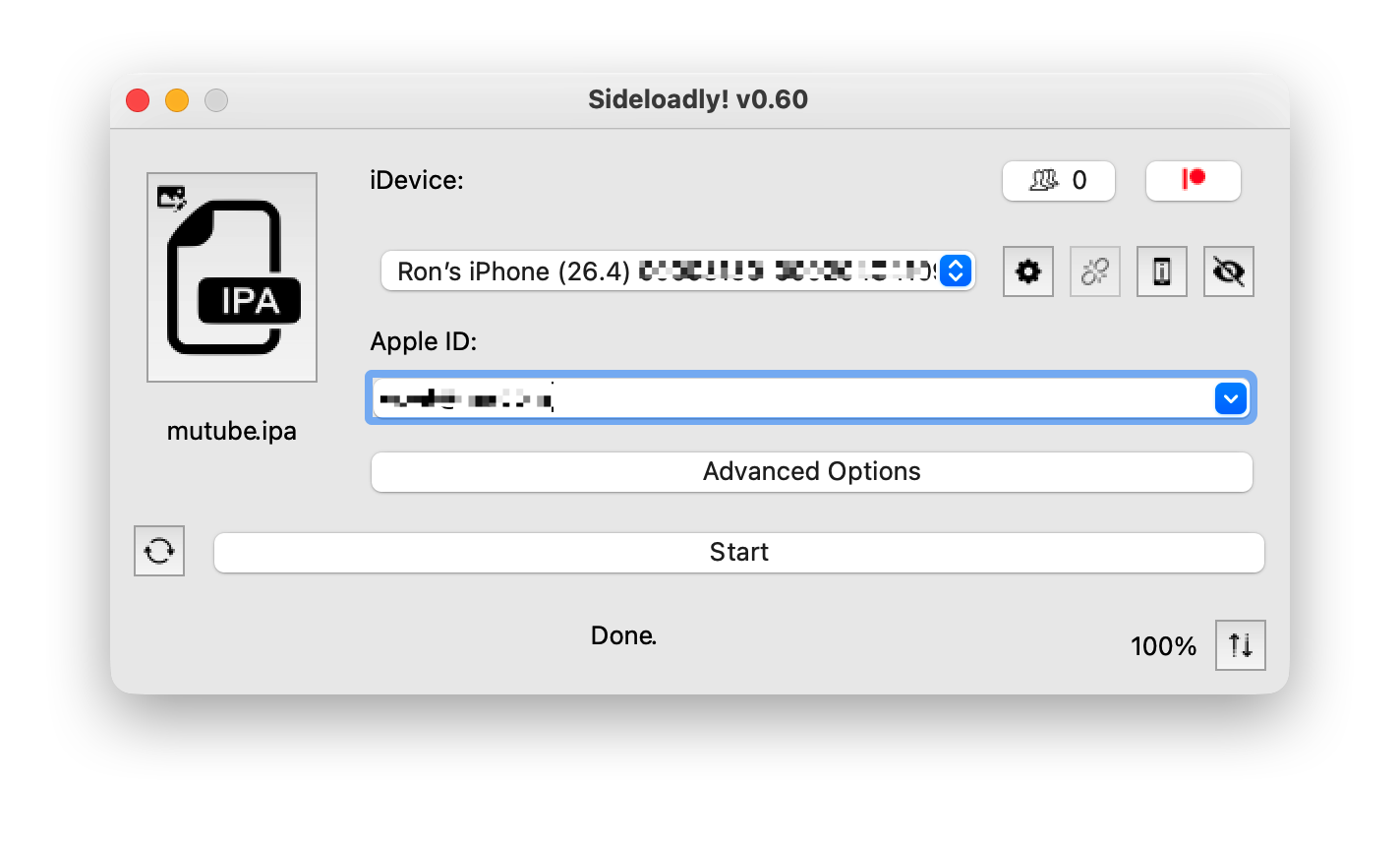
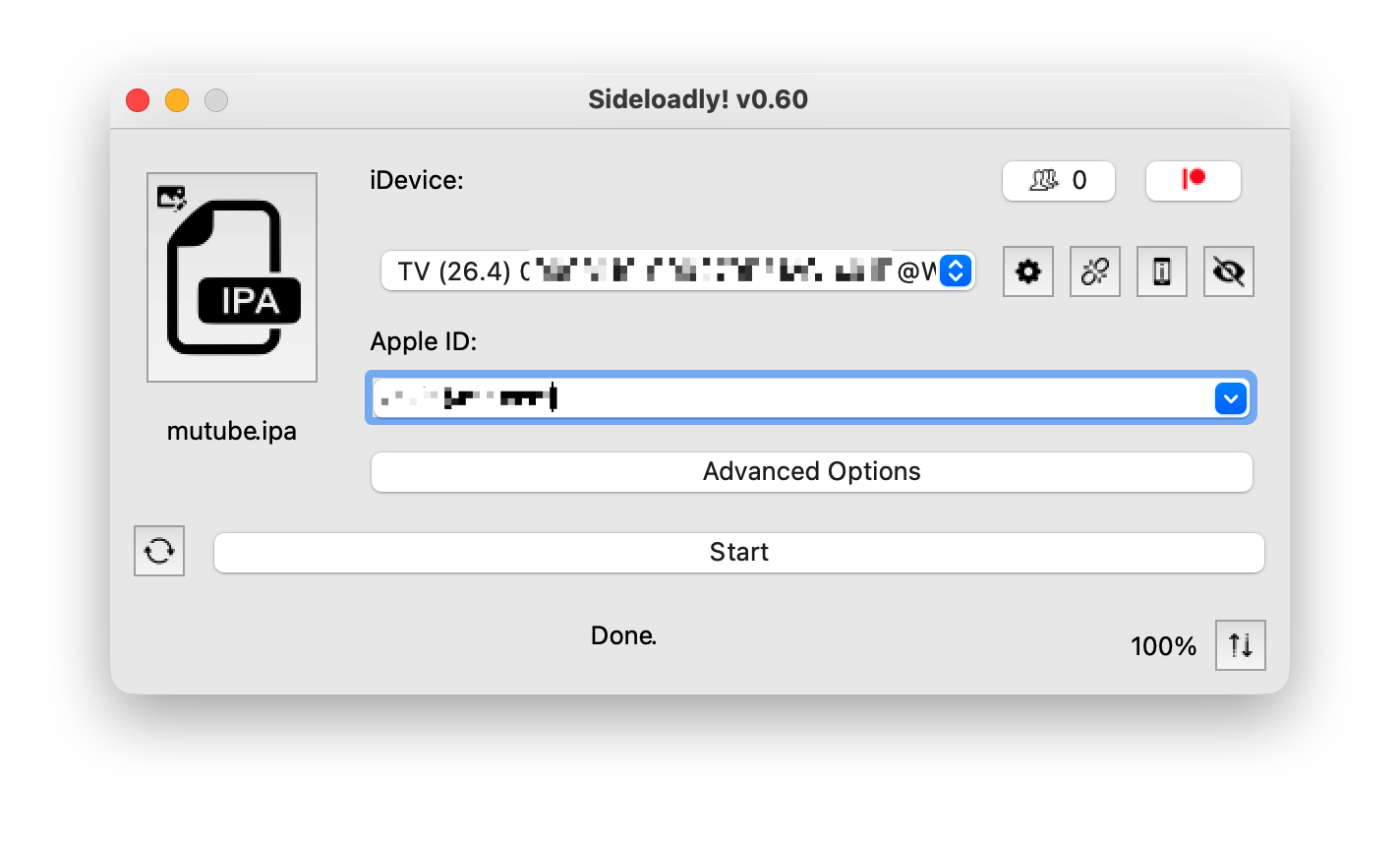
既然 IPA 都有了,那干脆找个企业签名,自用就有 1 年的时间,就不用每 7 天还要刷新一次。很快就能找到 # Sideloadly 这个项目,只要有苹果开发者账号,就可以直接签名,推送安装了,支持 iPhone 和 Apple TV


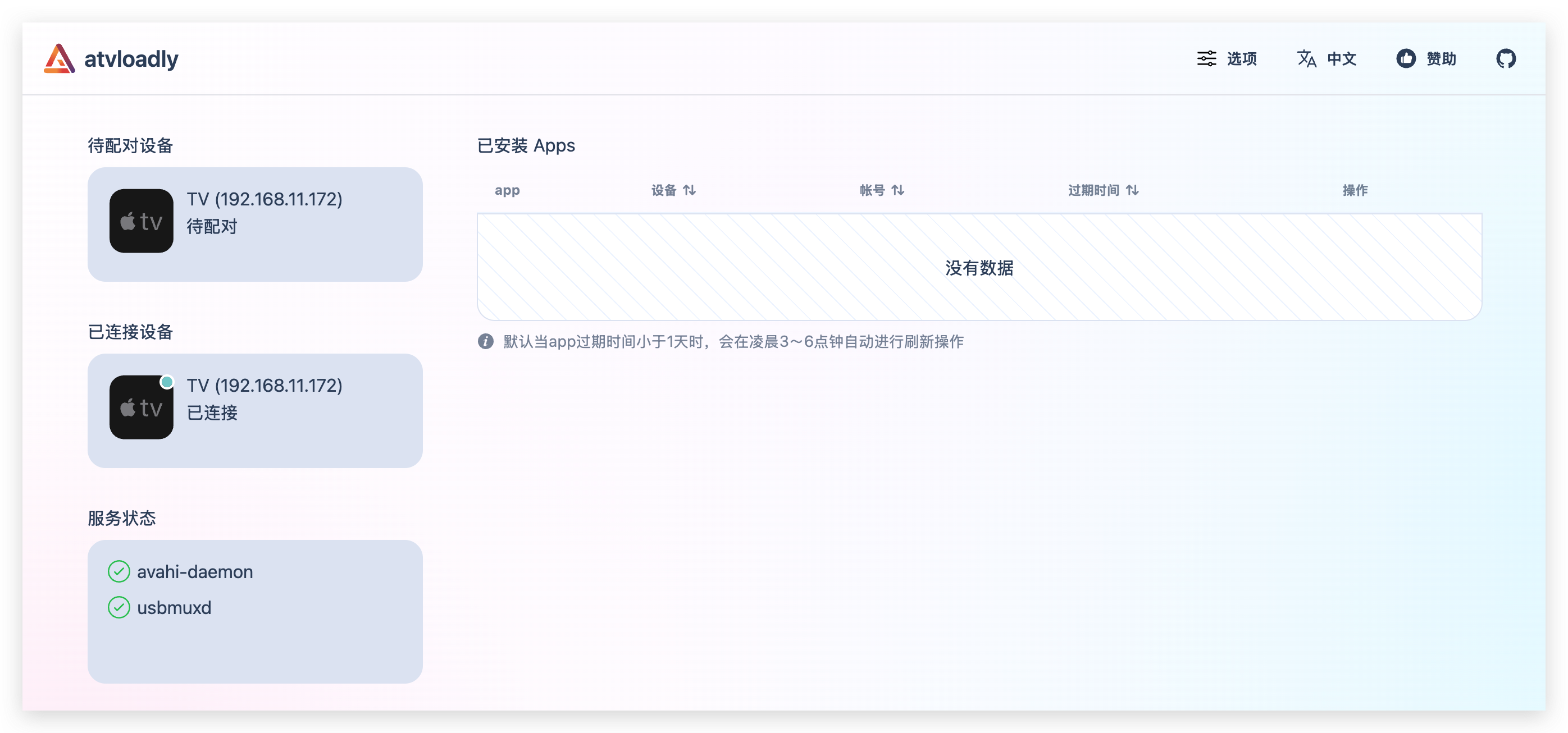
iPhone 的安装很简单,电脑和手机在同一网络下,就可以发现设备,登录开发者账号,选择付过费用的开发者企业,直接就可以安装成功了,但是 Apple TV 死活发现不了设备。搜了半天,找到 atvloadly 这个项目,使用 image: bitxeno/atvloadly:latest 可以发现设备了,但是还是无法连接。最终在 issues #86 找到了解法。

1
2
3
4
5
6
7
8
9
10
11
12
13
14
15
16
17
18
19
20
21
Workaround found - worked for me on Sideloadly, might help here too

I had the same issue with Sideloadly + tvOS 26.4 and found a workaround without waiting for an update:

1.Disconnect the Ethernet cable from Apple TV

2.Connect both Mac and Apple TV to the same WiFi network

3.On the Mac — forget the WiFi network

4.On the Apple TV — forget the WiFi network

5.Re-enter the WiFi password on both devices

6.Restart the Mac

7.Open Sideloadly — Apple TV was detected and pairing worked

Not sure why this works, but a clean WiFi reconnection on both sides seems to resolve the mDNS discovery issue. Maybe useful for atvloadly as well.

Hope it helps!

居然真的连上了。


于是手机、TV 都用上了去广告的 Youtube。1 年也不用更新了,一年立省 1200。